
A Realistic Paperwork Tracking System When Everything is in Progress
During the transition to adulthood, paperwork becomes part of daily life. So many things are happening at once, and none of them move on the same timeline.
We might be just starting to read a new package while a doctor is filling out their portion, and then the social worker sends in her report from another project altogether.
Forms lead to more forms. Applications are submitted, and then we wait.
Some items are urgent, some are waiting on someone else, and some are technically “done” but not resolved. You can do everything right and still be stuck waiting (or making more phone calls to address errors along the way 🙃).
A single to-do list can’t hold that reality. I need a way to see what is active, what is moving, what is finished, and what is safely stored so nothing important disappears in the shuffle.
This post shares a simple paperwork organization system for parents and caregivers supporting a young person through the transition to adulthood.
These tasks feel hard because you are navigating systems that weren’t designed with families in mind.

Caregiver paperwork organization system using physical folders.
The Folder Method I Use to Organize Transition Paperwork
I’ve used plenty of digital tools over the years, but for these transitions to adulthood, they don’t work well because many papers are coming in via regular snail mail and need to be organized differently. Having one big pile of papers doesn’t help me tackle the forms.
A paper-based system lets me spread things out, move them around, and see progress even when things are slow.
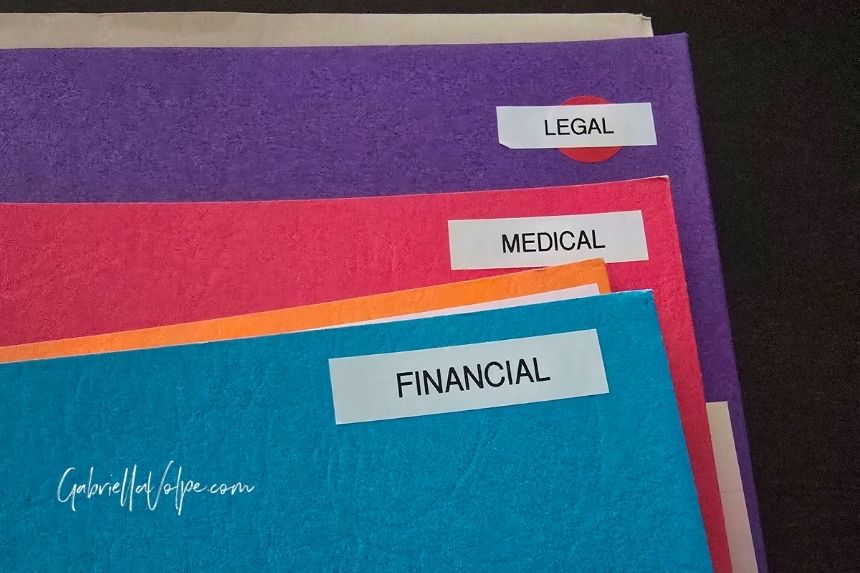
Labeled folders used to organize transition to adulthood paperwork: Financial, Legal, Medical, and Center or Agency.
First, I set up separate folders for each task category (i.e., Finance, Legal, Services, and Medical).
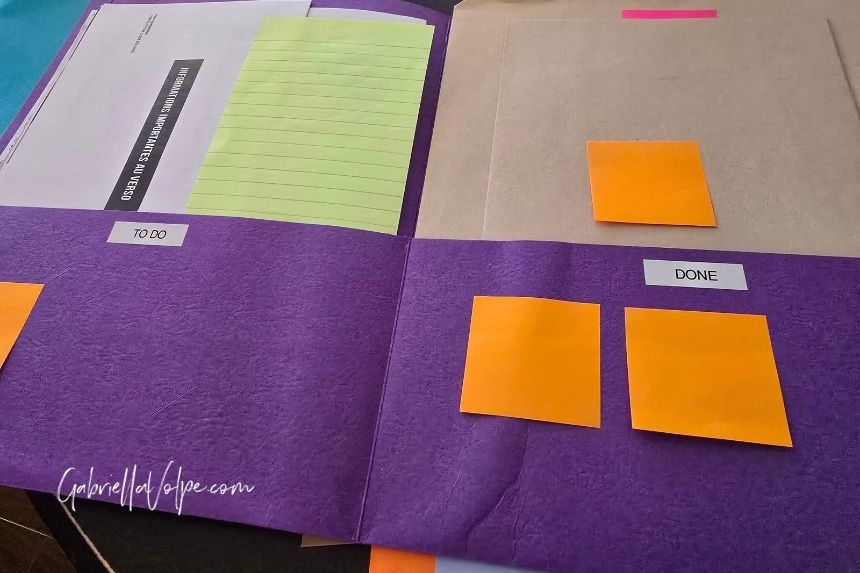
Paperwork folders showing "to-do" and "done". Sticky notes can be placed anywhere on the folders. I write usernames and passwords, along with notes on what still needs to be done, or what was said in phone calls. Then, I can recycle them when the task is done without messing up the forms themselves.
Then, I narrow everything down to three phases:
- To-Do
- Done
- Filed
Every piece of paper only needs to answer one question: What phase is this in right now?
If that changes, the paper moves.
Note: Every part of this folder system is considered to be in progress until it is filed. You might find it helpful to separate To-Do from In-Progress, but that requires more folder space, which this two-pocket folder system does not provide me. Because I separate paperwork among different folders, this 3-phase system works best for me. To keep things organized, I use sticky notes on top of the pile and paperclip the papers that go together. Get creative and do what works best for you, your brain, and your family.
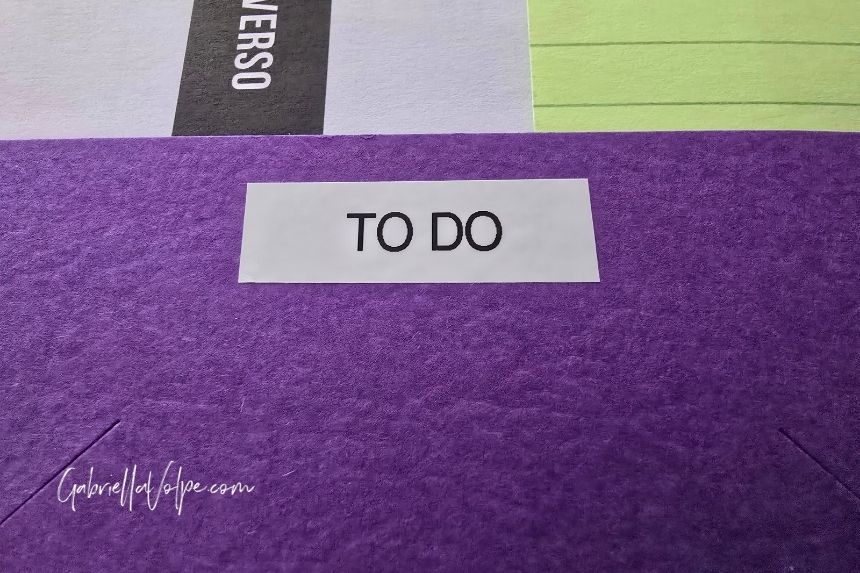
"To-do" section of folder in organization system.
To-Do: Paperwork that needs attention or is in progress
The To-Do section of the folder contains items that are currently active.
This includes:
- Forms to fill out (but don’t have the energy for yet)
- Documents waiting on information from another source
- Anything that has been submitted, started, emailed, mailed, or discussed but not resolved
- Anything awaiting a response, clarification, approval, or next step
- Tasks that have a future deadline but no immediate action
Having these in one place means we don’t forget them, but we also don’t feel pressured to act on everything at once.
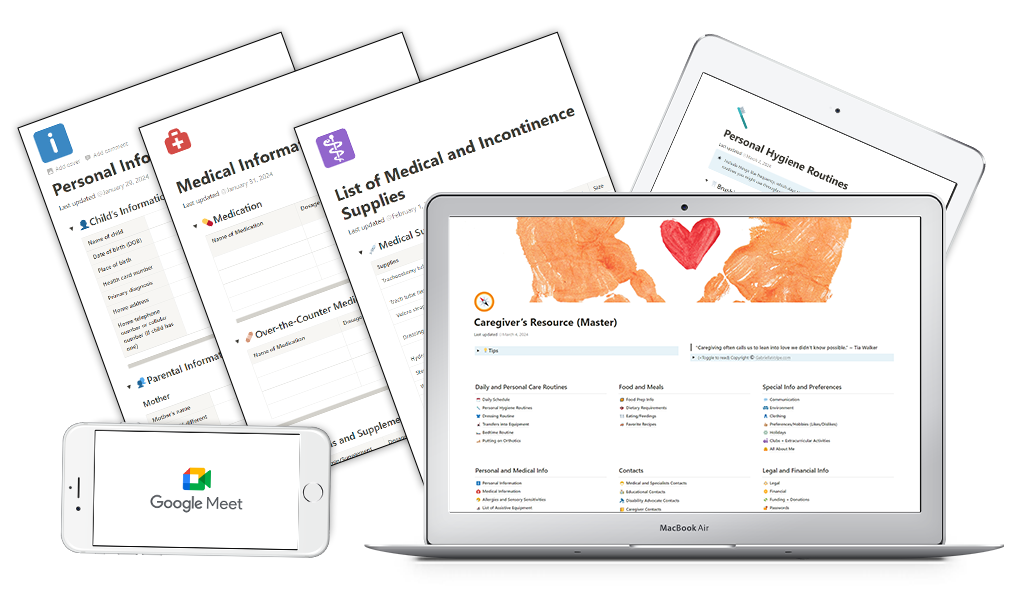
Caregiver's Resource Planning Group
Organize your caregiving records for your neurodivergent/disabled child with the accountability of a group. For family caregivers.
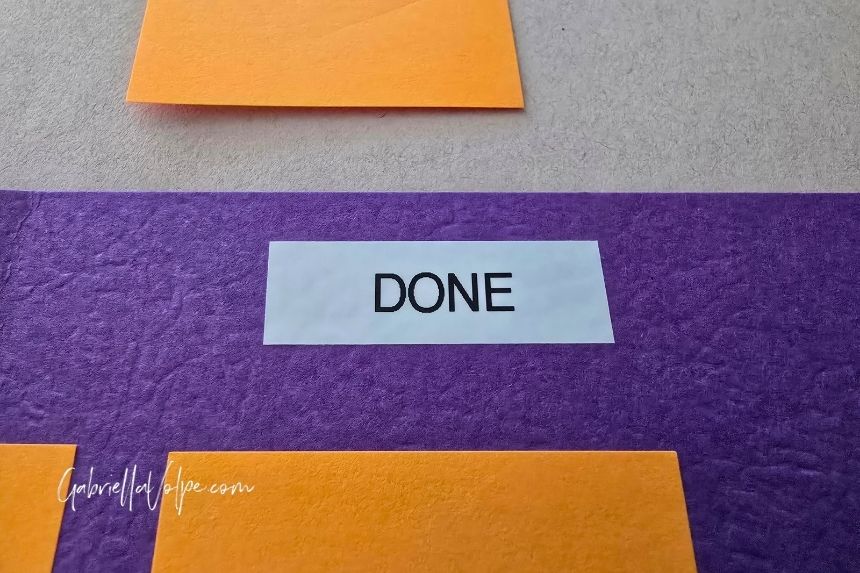
"Done" section of folder in organization system.
Done: Paperwork that has been completed or submitted
The Done part of the folder is one of the most relieving parts of the system.
“Done” means everything for that task has been completed and submitted by all parties involved, but may still require a final response from a third party (often the government or an agency). I keep these documents handy for a while because other tasks can still relate to them.
The Done section is especially helpful for:
- Paperwork that has been fully completed and submitted
- Items that are waiting on confirmation, approval, or processing
- Documents I may need to reference during follow-up calls or emails
For example, when all financial forms were completed by both me the social worker, but the funds had not yet been confirmed or deposited, the papers remained in the Done part of the folder. I had done my part, but if I needed to call to verify anything (which of course I did), everything was within easy reach.
Only once the first cheque was deposited did I move those papers into filing (see the next folder).
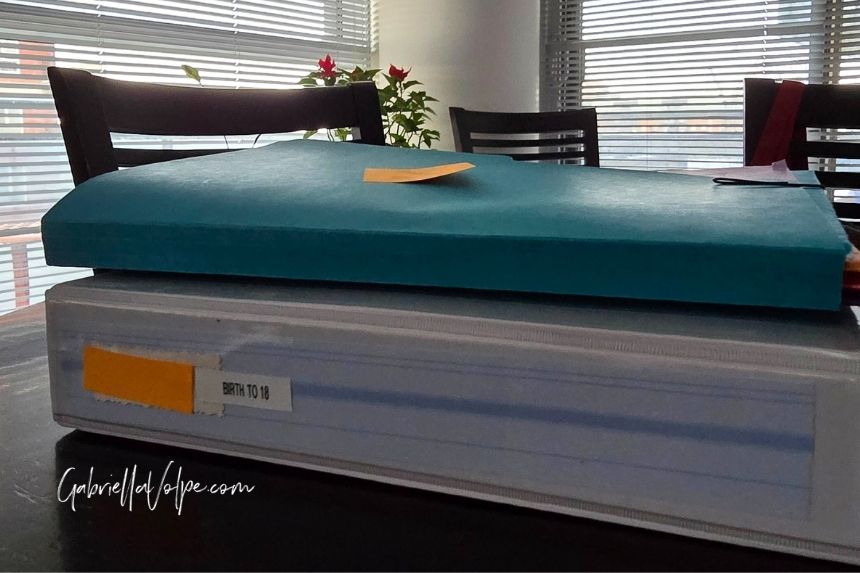
Your organization system can be a binder, as I have here, or you might choose to store things away in a filing cabinet.
File: Storing completed transition documents
The File folder is for items that are truly closed, at least for now.
This includes:
- Final letters and confirmations
- Reference documents
- Paperwork I may need again, but don’t need to actively think about
Note: For our family, a File folder isn’t a folder at all, but a binder. In our case, “filed” means it’s stored away in a place we can easily find if needed, but no longer part of my immediate mental load.
Why This System Supports Caregivers
This folder setup reduces decision fatigue.
It reduces the risk of losing important things and gives me a way to hold unfinished work without constantly revisiting it in my head.
Most importantly, it works even when I am tired, overwhelmed, or juggling too many calls and appointments.
If you’re reading this, you are likely in the middle of this kind of project yourself.
What you need is a system that reflects your family’s reality and gives you a place to put things when your brain is full.
We can take some control over how we manage it all! This simple system is one way I reclaim my time and well-being.
Questions are always welcome! Feel free to contact me and sign up for my Family Caregivers newsletter (via the form below this post) to stay connected!
Are you a family caregiver?
Get more anecdotes and ideas like this one. Sign up to my newsletter for family caregivers:
By signing up for email alerts, you agree to receive updates and promotions to support you as a family caregiver. You can unsubscribe at any time.
0 Comments